
How to Configure the Homepage in Koha Theme Builder™
Step-by-step guide to configuring homepage elements in Koha Theme Builder™, including hero content, announcements, featured blocks, and calls to action.
This guide shows you how to configure homepage elements in Koha Theme Builder™ so patrons see a clear, useful, and branded first screen.
What this element controls
Homepage structure and content blocks such as hero message, quick links, announcements, featured collections, and call-to-action buttons.
Where patrons see it
The public OPAC homepage and, depending on your preset, related content previews surfaced on other OPAC pages.
Why this matters
The homepage sets trust and usability expectations in seconds. Better hierarchy improves task completion and reduces confusion.
Before you start
- Finalized family + preset
- Approved core messaging
- Priority links and featured content
- Optional event/announcement content
Step-by-step
- Open Theme Builder.
- Go to Homepage settings.
- Edit hero title, supporting text, and primary action.
- Configure quick links and navigation shortcuts.
- Add or edit announcements and spotlight sections.
- Configure featured collections or card blocks.
- Review block order and spacing for readability.
- Preview desktop and mobile views.
- Save draft and request review.
- Publish when approved.
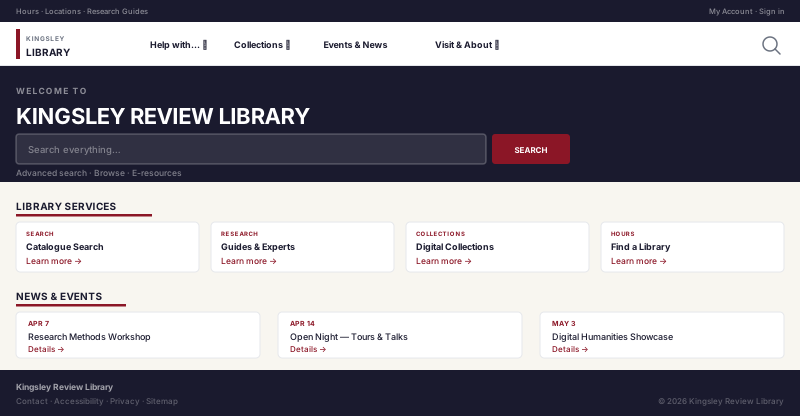
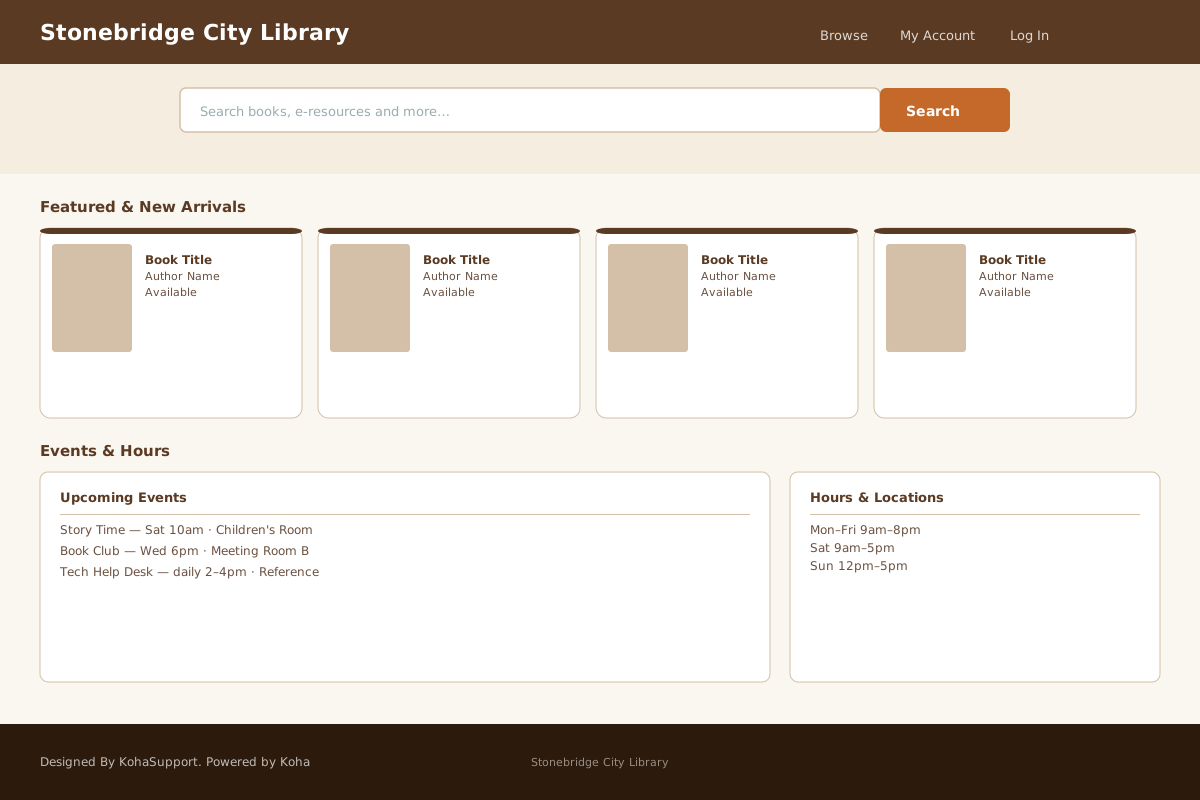
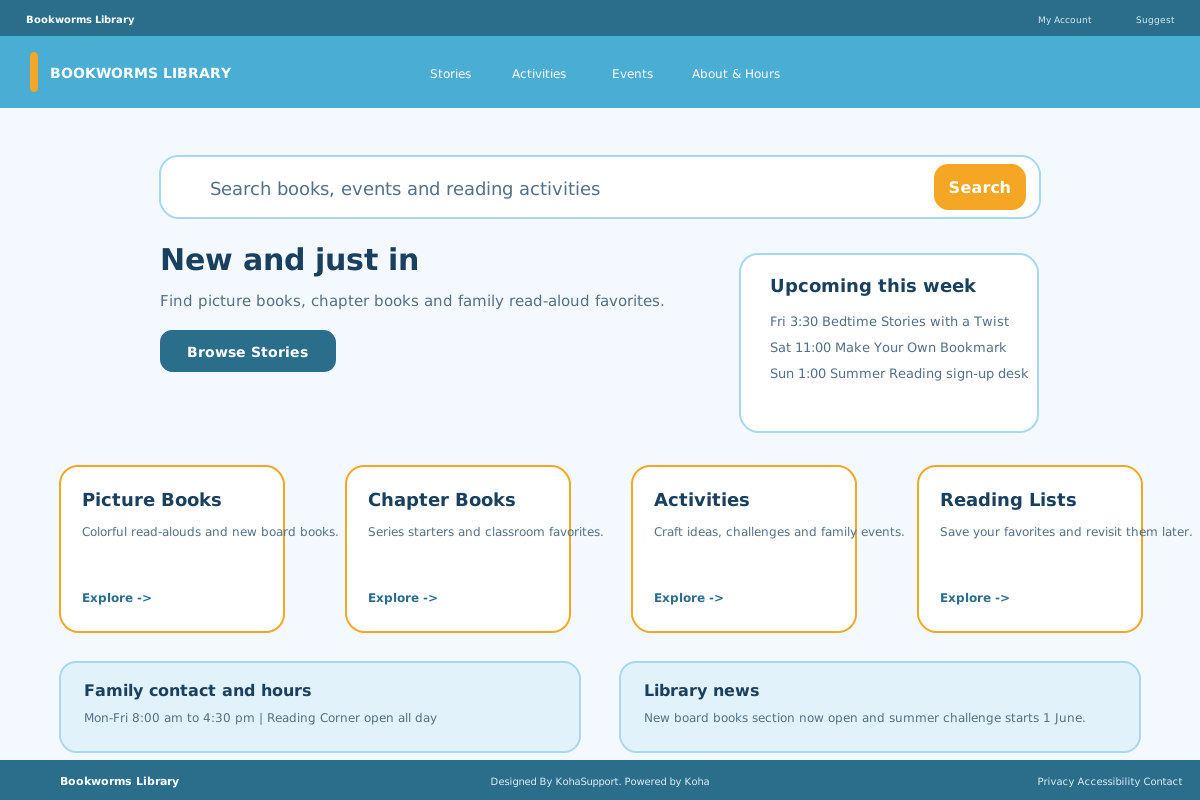
What patrons will see A structured homepage with clear entry points to search, account actions, and important library content.
Example setup
- Hero: “Discover, borrow, and manage your account”
- Primary CTA: “Search the catalog”
- Secondary CTA: “Library hours and locations”
- Featured blocks: New arrivals, events, digital resources
Common mistakes
- Too many homepage blocks at launch
- Long hero text that pushes key links below the fold
- Inconsistent button labels
- Missing mobile checks after edits
Homepage visuals
Related guides
Next Steps
More in Koha System
Was this article helpful?