
Theme families at a glance
The same Koha system can feel very different depending on the library type it is serving. These families are designed to make that difference visible early in the evaluation process.
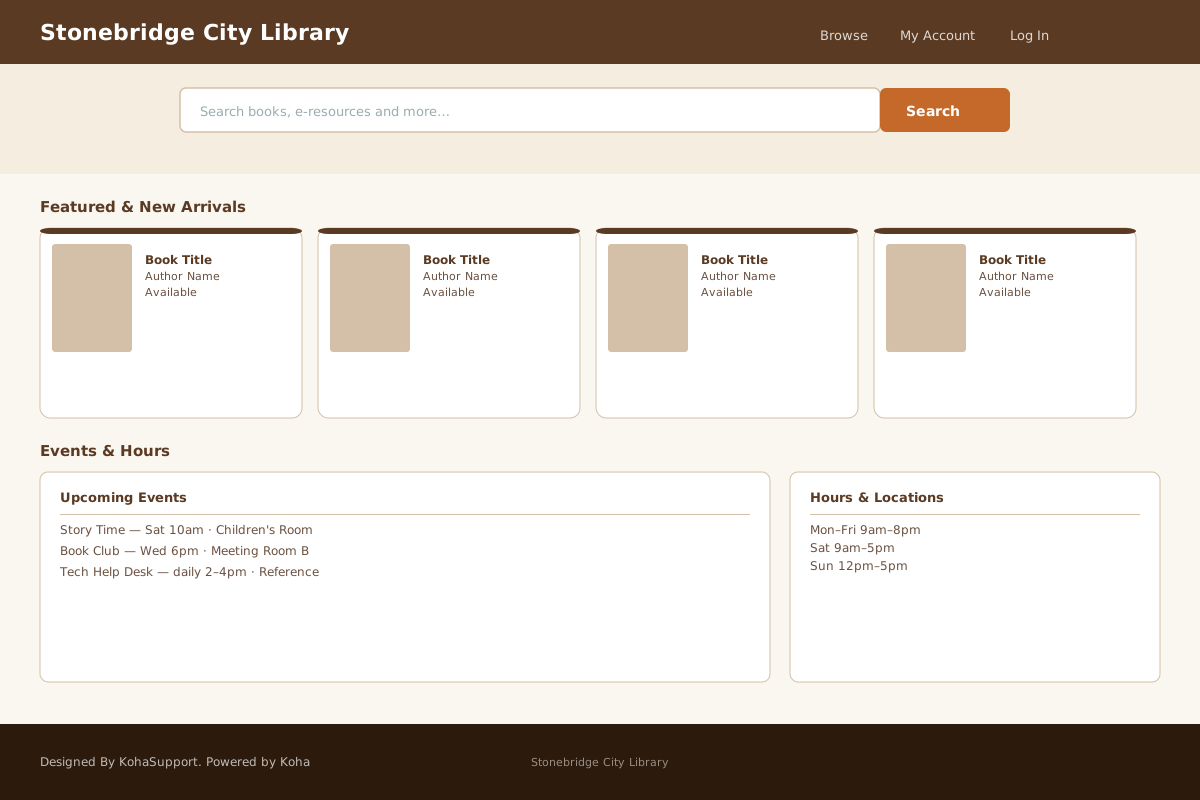
Stonebridge
Best for: public libraries and community-focused catalogs
Warm, welcoming, and approachable. A good fit for libraries that want the OPAC to feel accessible to a broad patron base.
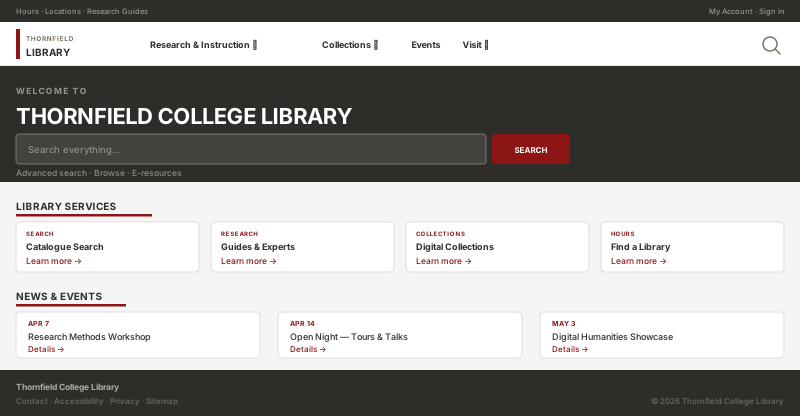
Cloister
Best for: academic, research, and special collections libraries
Calm and structured, with a more editorial tone for libraries where focus and credibility matter more than informality.
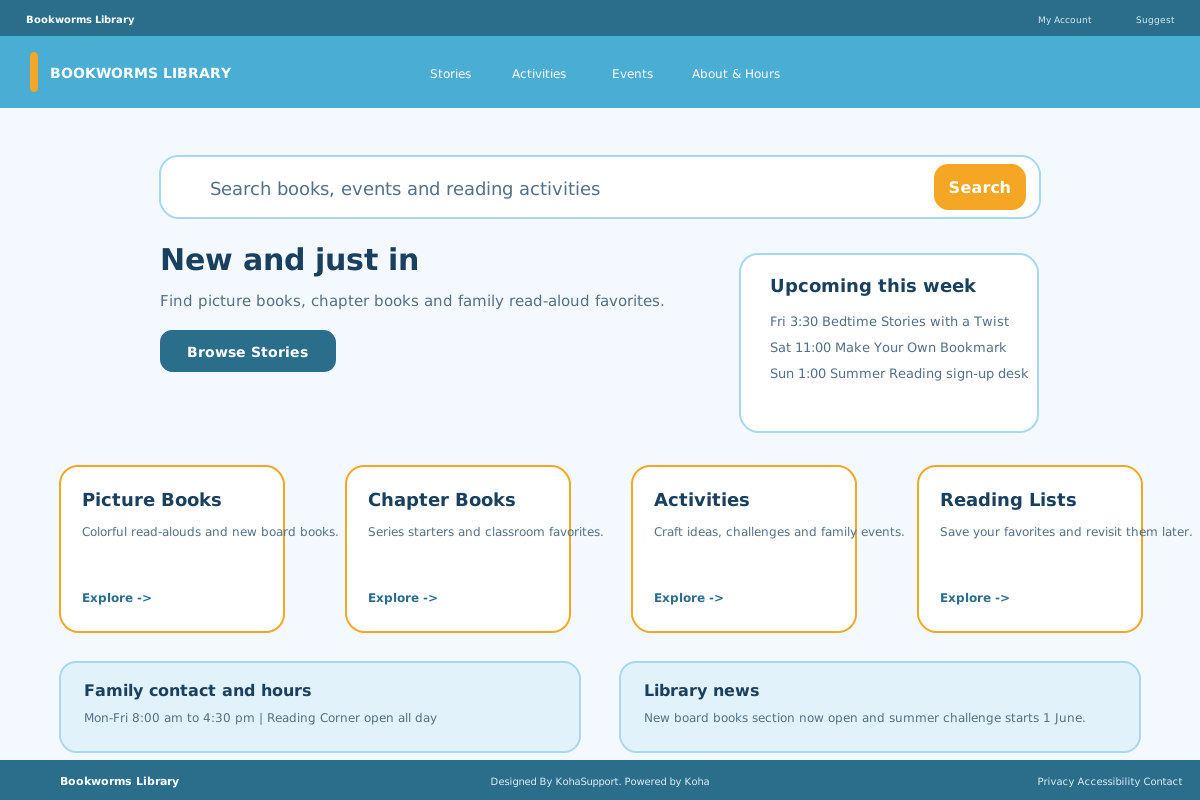
Meadow
Best for: schools, children’s services, and youth-oriented spaces
Softer, friendlier, and easier for younger audiences to navigate without losing clarity.
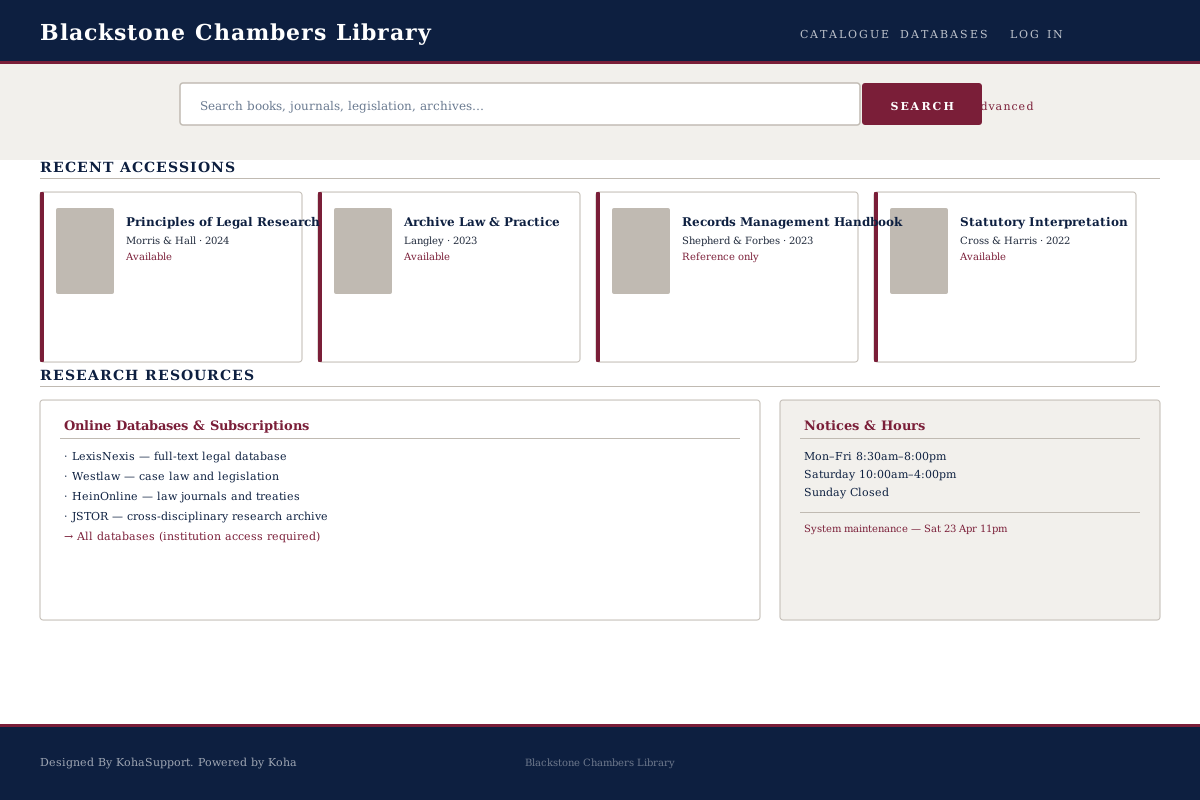
Chambers
Best for: law libraries, archives, and specialist reference collections
Formal and reference-led, with a tone better suited to specialist collections and structured discovery.
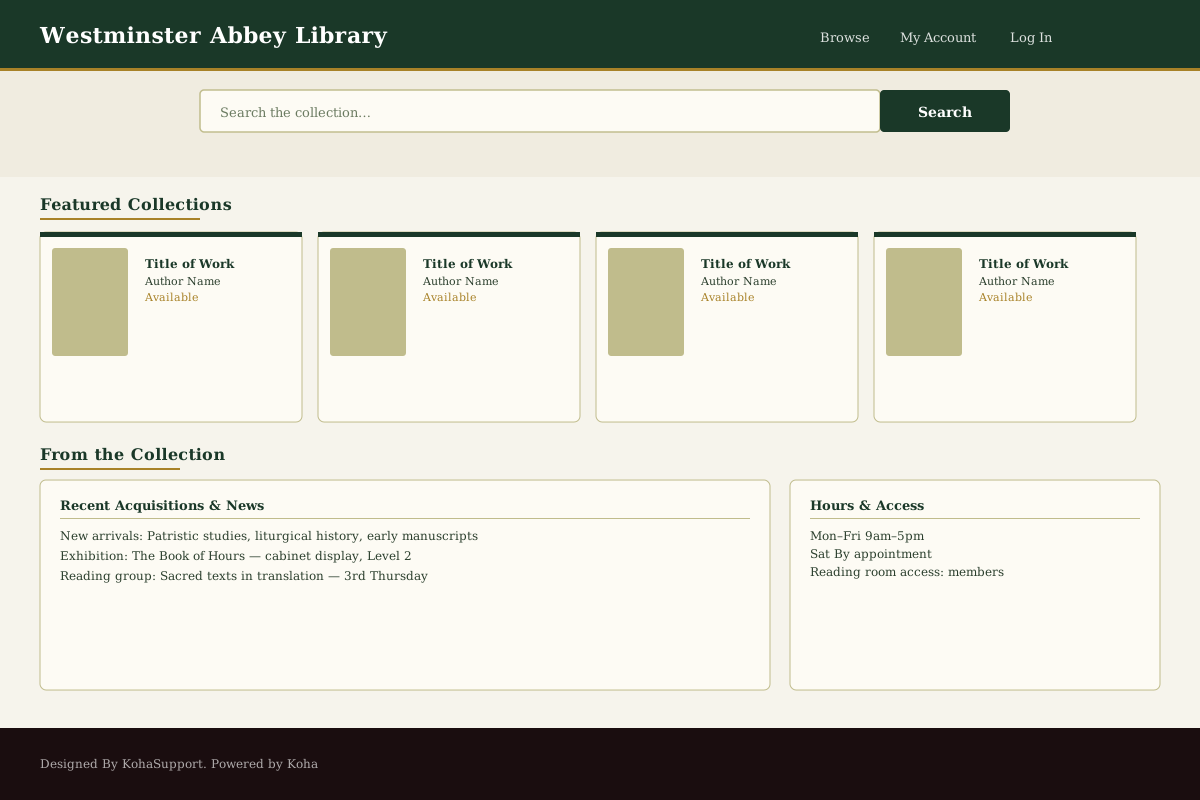
Abbey
Best for: heritage collections, archives, and faith-based libraries
Quieter and more reflective, giving the collection itself more room to define the experience.
How to use this comparison
You don't need to choose the perfect final design on day one. The practical goal is to identify which direction feels most natural for your library and refine it from there.
Start with library type
Public, academic, school, heritage, and specialist libraries each need very different visual language and tone. Start with the family that fits your institution.
Check the deeper screens
Homepage visuals matter, but look at search results, item detail, and account pages to see whether a theme holds together across the whole patron experience.
Use the consultation well
Arriving with a preferred theme family makes it much easier for us to have a productive conversation about fit, brand colours, and next steps.
Pick your next step
Whether you start here, on the main themes page, or on a customization page, the next step is simple: talk to KohaSupport if you want guidance, or choose Standard if you are ready to launch self-service.
Continue exploring Theme Builder
These supporting pages are designed to work together, not compete for attention.
Main Theme Builder page
See the complete premium OPAC themes page and explore the full Theme Builder positioning.
Explore premium OPAC themesKoha customization
Understand where theme work fits into wider Koha customization decisions.
Explore Koha customizationOPAC design improvement
See how better navigation, hierarchy, and visual tone improve the patron-facing catalog experience.
See OPAC design ideasChoose a direction, then talk through the fit
Compare theme families first, then choose Standard when your library is ready to move.